The best AI personal assistants for founders in 2026: what actually works for email, calendar, and meetings
An honest comparison of 12 AI personal assistants for founders. Pricing, limitations, and which tool fits how you work.

Aidan Hornsby
@aidanhornsby
Toyo
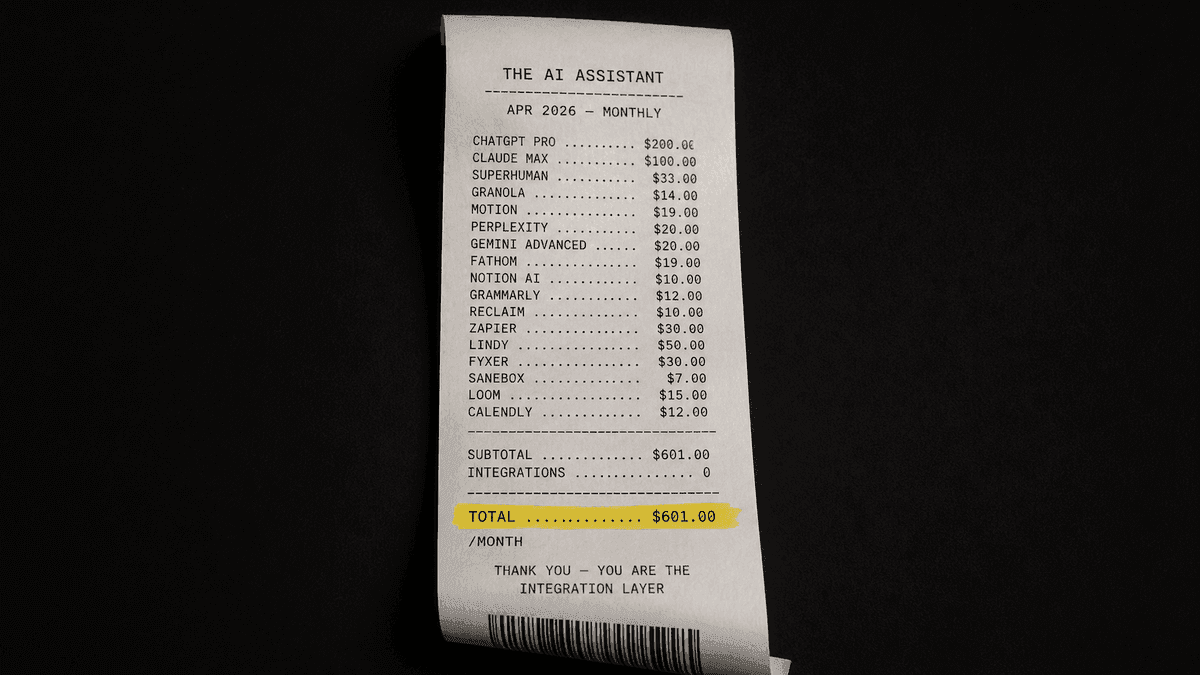
The AI personal assistant you're looking for doesn't exist yet.
A founder who wants comprehensive AI assistance in April 2026 might assemble something like this: Superhuman for email, Motion for calendar and task scheduling, ChatGPT Plus for drafting and research, Perplexity for search, Granola for meeting notes. Five tools that don't share context with each other.
Your email tool doesn't know what happened in your last meeting. Your calendar tool doesn't know which follow-ups are overdue. You spend the first hour of your day catching up on the gaps between them. You're the bridge. You're the part that decides what matters, what's overdue, what to draft, what to ignore. The tools generate output. You make it coherent.
That's the work no AI tool on the market handles yet. The subscription cost alone is painful, but the bigger cost is the cognitive overhead of being the only thing in your stack that can see across all of it.
You are the integration layer, and that sucks.
When someone searches "best AI personal assistant for business," they want a single tool that handles the connective tissue of their workday: email, calendar, follow-ups, meeting prep. Done in their voice, without constant prompting. That's reasonable. It describes what a great executive assistant does. But the product that matches that description hasn't been built yet.
What shows up on page 1 of Google instead is a field of specialists, each calling itself the answer. Every comparison currently ranking for this keyword was written by one of the tools in the comparison. Lindy ranks itself first. Reclaim publishes "16 Best AI Assistant Apps" with Reclaim at the top. Morgen, Saner.ai, Zapier do the same. None discloses the conflict of interest.
We reviewed 12 tools across email, calendar, meetings, and full-platform categories. Real pricing. Verified review scores from G2 and Trustpilot. The limitations that don't appear on marketing pages. No affiliate links, no sponsored placements, no tool ranking itself first.
We don't pick a winner. The goal: help you decide which problem to solve first, with which tool, at what price.
How we picked these tools
Before reviewing anything, we set five criteria. These aren't abstract quality measures. They come from the problems founders and operators describe when they talk about why their current AI tools aren't working.
- Connected to real work. Does it plug into your email, calendar, or CRM? Or is it a chatbot in a separate browser tab? Tools that can't access your actual systems are brainstorming partners, not assistants.
- Learns your style. Can it draft messages in your voice, or does every output sound like it came from a generic prompt? "AI doesn't learn my tone, style, or deal history" is one of the most common complaints from founders who've tried these tools and moved on.
- Pricing you can predict. Can you forecast your bill next month? Credit-based pricing is the most documented frustration across this category. Users describe "credit anxiety," unexpected spikes, and multi-step workflows burning credits without completing tasks.
- Trust and reliability. What do verified reviewers say on Trustpilot and G2? Not just the star rating, but the pattern of complaints. Support responsiveness matters more than feature lists when something breaks.
- Scope of automation. Does it draft, send, schedule, and follow up? Or does it stop at drafting and make you do the rest? Where a tool draws the line between AI and human determines whether it saves you time or rearranges it.
Every AI personal assistant compared
Here are all 13 tools in one view. The "key limitation" column is the part you won't find on most comparison pages.
| Tool | Category | Starting price | Best for | Key limitation |
|---|---|---|---|---|
| Lindy AI | iMessage assistant | $49.99/mo | Founders wanting an iMessage-based AI assistant | Trustpilot 2.4/5, credits still apply on Plus tier |
| Fyxer AI | Email + meetings | $30/user/mo | Email-heavy roles needing draft quality | Draft-only (never sends), no mobile |
| Little Bird | Screen assistant | Free-$100+/mo | Users who want AI that sees their screen | Cloud-only, minimal integrations |
| Poke | Proactive assistant | ~$29-75/mo | iPhone-first users wanting proactive nudges | No public pricing, zero B2B positioning |
| Prio | GDPR-first assistant | EUR 29-199/mo | EU companies needing data residency | Solo founder, zero distribution |
| Superhuman | Email + writing suite | $12/mo (Pro) | Email power users already in the Grammarly/Superhuman suite | Mail client requires $33/mo Business tier |
| Motion | Calendar + AI agents | $19/mo | Calendar-driven teams needing auto-scheduling | Credit-based AI (7,500-15,000/seat/mo) |
| Reclaim AI | Calendar scheduling | Free-$16/mo | Calendar scheduling + habit tracking | Calendar-only, no email or meeting notes |
| SaneBox | Email filtering | $3.49/mo (annual) | Anyone overwhelmed by email volume | Not generative AI, filtering only |
| Granola | Meeting notes | Free-$14/mo | Meeting-heavy roles wanting no-bot transcription | Mac-only, enterprise pivot may shift focus |
| Otter.ai | Meeting transcription | Free-$8.33/mo | Teams needing searchable meeting records | Visible meeting bot, limited free tier |
| Morgen | Calendar + tasks | EUR 15/mo | Unified calendar across Google + Outlook + iCloud | AI Planner still in beta |
"Starting price" is the lowest paid tier at individual billing. Free tiers exist for several tools. All prices in USD unless marked EUR.
Full AI personal assistants: detailed reviews
Five tools in this comparison position themselves as broad AI personal assistants or AI executive assistants, not just specialists for email or calendar. They promise more scope, which means more to evaluate. We gave each the same treatment: what it does, what it costs, where it's strong, and where it falls short.
Fyxer AI
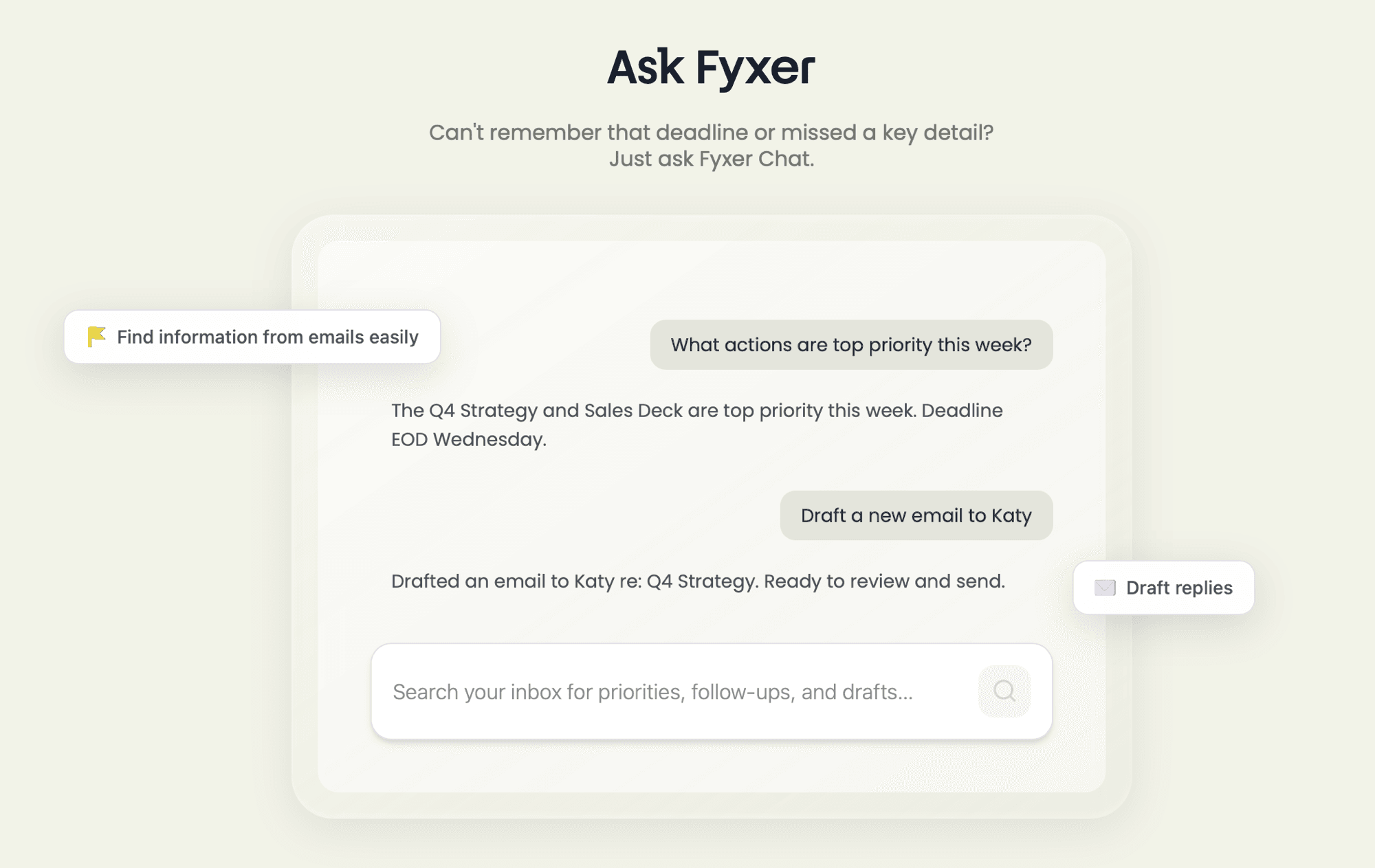
Fyxer AI started as a human executive assistant agency before rebuilding around AI. That origin shows in its product focus: email drafting, inbox labeling, and meeting preparation. If email is the center of your workday, Fyxer is the most specialized tool in this comparison for that specific problem.
Pricing
Pricing runs $30/user/month for Standard and $50/user/month for Advanced. There's a Starter tier, but it's restrictive enough that most users will skip past it. Fyxer reports $25M+ in annual revenue and 90% three-month retention. Those numbers suggest the core product works.
Email draft quality is Fyxer's clearest advantage. It learns your writing patterns and produces drafts that, according to user reviews, require less editing than most AI-generated email. The meeting assistant summarizes calls and prepares follow-up action items. CRM integration exists, though it's limited to HubSpot.
The limitations are specific. Fyxer drafts emails but never sends them. A human reviews and hits send every time. For some, that's a feature: control and oversight. For others, it means the time savings have a hard ceiling, because you're still involved in every message. There's no mobile app, which matters if you manage email from your phone. The HubSpot-only CRM restriction narrows the audience to companies already using HubSpot. User feedback, while positive on draft quality, notes that "inbox labelling and draft features show promise but need more tuning" and that the meeting assistant "lags in reliability" compared to the email core.
Fyxer does one thing well: email. If that's your bottleneck, it's worth evaluating. If you need calendar, CRM, or follow-up automation beyond email, you'll need a second tool.
Lindy AI
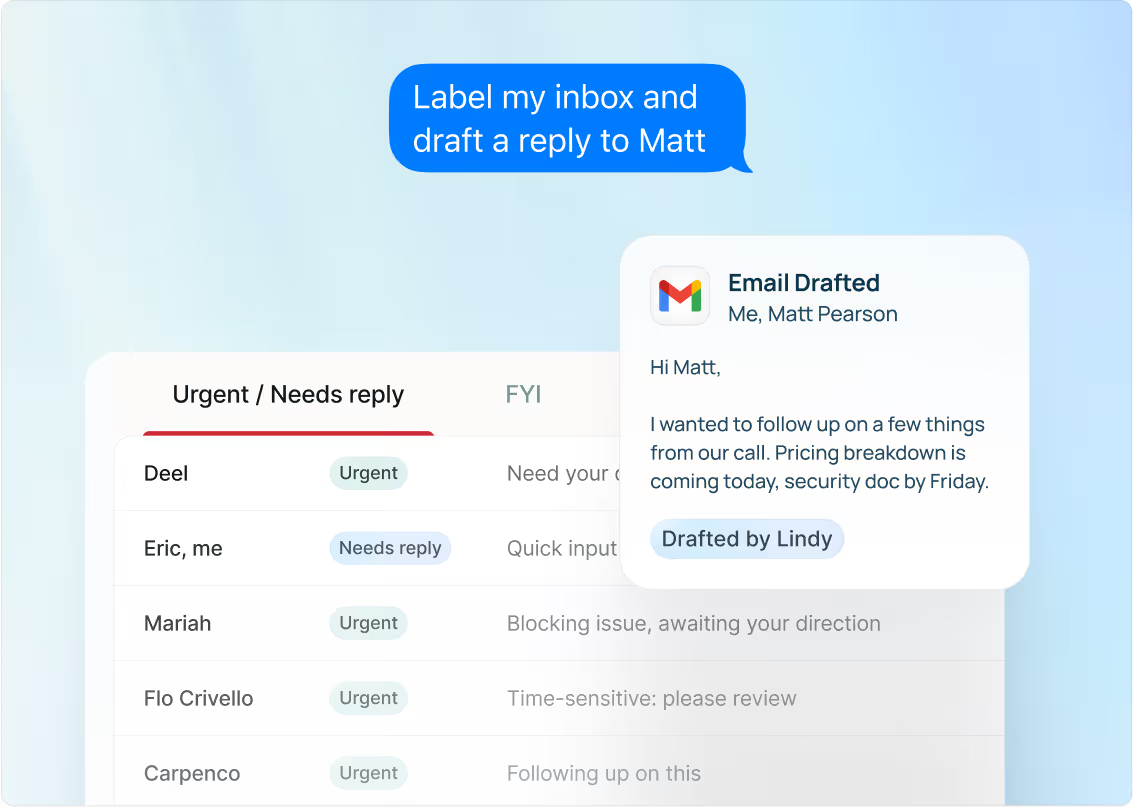
Lindy pivoted in early 2026. It used to be an agent builder where you stitched together workflows across 2,300+ integrations. The new Lindy is a personal AI assistant that lives in iMessage — you text it, and it triages email, schedules meetings, and surfaces what needs your attention. The hero copy is now "Get two hours back every day," and the product is organized around three verbs: Ask, Act, Anticipate.
Pricing
Plus is $49.99/month, Pro is $59.99/month, with a custom Enterprise tier. The agent-builder capability still exists as a power-user feature, but it's no longer the front door. The integration count dropped from "2,300+" to roughly 200+ in the new positioning.
This pivot puts Lindy in direct competition with Poke. Both are proactive, iMessage-native assistants targeting the same buyer: a founder who'd rather text a tool than open another dashboard. Lindy has the better-funded company ($50M raised), the larger user base, and a more mature product surface. Poke has cleaner positioning and a louder consumer brand. The two products are converging on the same answer to the same question, which is itself a signal about where the category is heading.
User Reviews
The trust data hasn't moved. Trustpilot is still 2.4/5, rated "Poor." G2 sits at 4.9/5 from a different, more engaged base. Complaints in 2025 were about credits burning through multi-step agents without completing tasks. Complaints in 2026 are about unauthorized charges after cancellation, with support saying "you won't be charged again" but not issuing refunds. The Plus tier still includes a credit allocation (5,000/month), so credit anxiety hasn't fully gone away — it's just less visible in the new pitch.
If the iMessage-assistant model fits how you work, Lindy is the most product-mature tool in that shape. The trust gap is the open question.
Little Bird
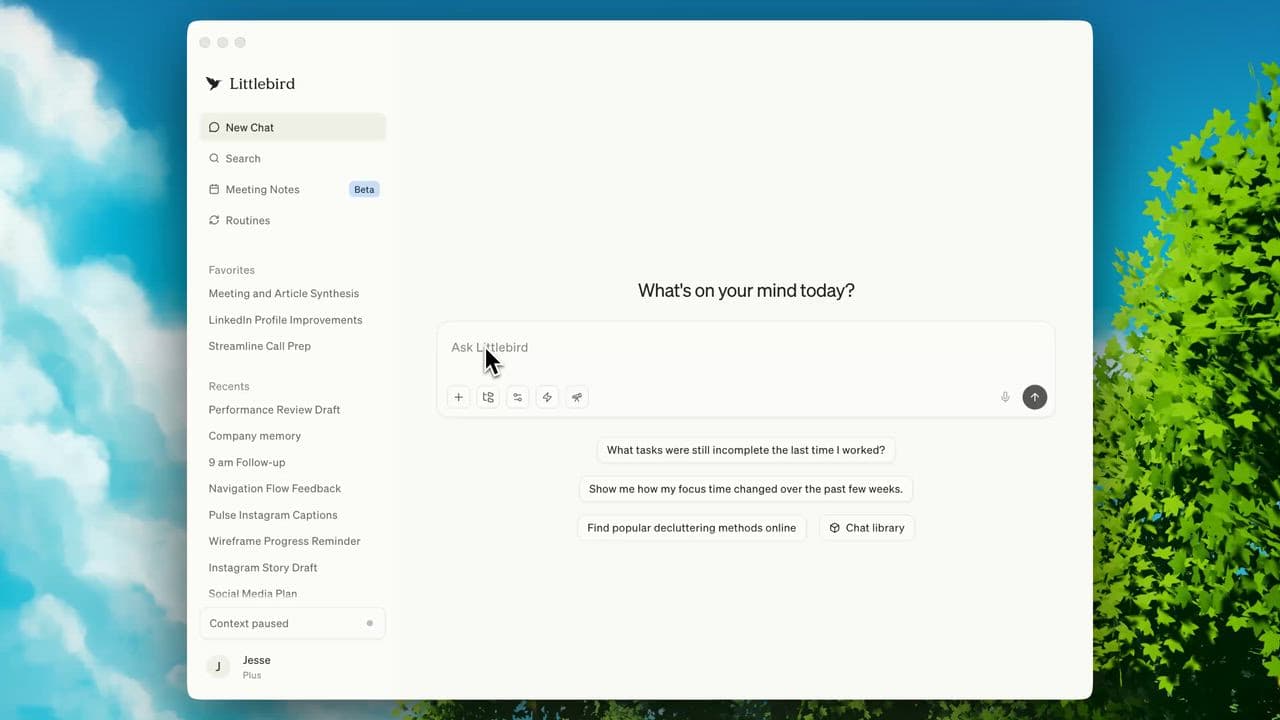
Little Bird takes a different approach to the personal AI assistant concept. Instead of connecting to your tools through APIs, it reads your screen. The AI sees what you're looking at and offers contextual help based on your current activity. Lenny Rachitsky endorsed it early, which gave it strong initial visibility in the founder community.
Pricing
Free tier available. Paid plans scale past $100/month, depending on usage. Little Bird raised an $11M seed round, making it one of the better-funded newcomers in this comparison.
The screen-reading approach is different. Most AI assistants require you to switch to their app, type a prompt, and wait for a response. Little Bird watches what you're doing and surfaces relevant context without being asked. For someone who works across multiple tools and wants an AI layer that follows them, the approach makes intuitive sense.
The tradeoffs are real. Screen reading means your display data goes to the cloud. For founders handling confidential deal terms, investor communications, or customer data, that's a real consideration before connecting. The integration set is minimal compared to tools like Lindy or Motion, because the product relies on screen observation rather than direct API connections. The track record is short, the user base is still growing, and the product capabilities are narrower than the vision suggests.
Little Bird is a bet on ambient AI assistance rather than a solution to a present workflow problem. The free tier makes it low-risk to try. For anyone who needs their AI assistant to take action (send emails, schedule meetings, update CRMs), Little Bird observes but rarely acts.
Poke
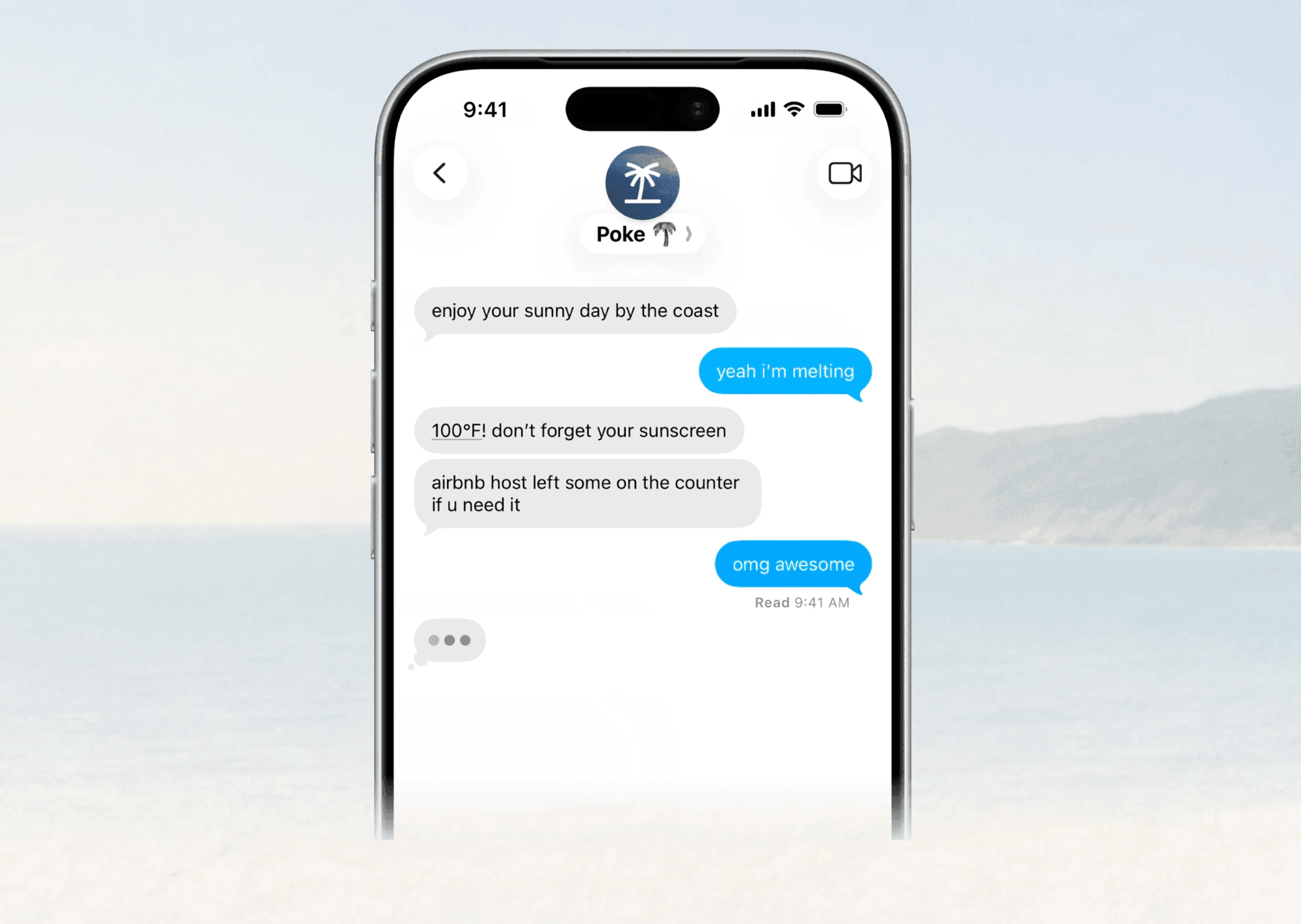
Poke is an AI assistant that lives in your iMessage. It sends proactive briefings and nudges via text message, meeting you in an interface you already check throughout the day. Where most AI tools require you to open their app and formulate a request, Poke pushes information to you before you think to ask.
Pricing
Pricing isn't public. Estimates from available data put it around $29-75/month, but you'll need to contact the company for exact numbers. Poke raised a $15M seed round.
The proactive model is what sets Poke apart. Most tools in this comparison are reactive: you go to them, ask something, and they respond. Poke reverses that. It monitors your calendar, email, and connected tools, then sends SMS reminders and briefings. For founders who are bad at checking dashboards but good at reading texts, this reversal in interaction model matters.
The limitations are significant for a business buyer. No public pricing means you can't evaluate cost before a sales conversation. There's no web interface and no desktop app. It's iPhone-only. The company has zero B2B positioning in its marketing, which suggests Poke was built for individual consumers rather than the founder or operator assembling a work stack.
The SMS-native approach is clever, but the product sits in an awkward position for anyone searching "AI personal assistant for business." You can't share access with a team, you can't scale across an organization, and you can't predict what you'll pay. For a solo founder who wants proactive nudges through text, Poke is worth exploring. For everyone else, the gaps are hard to get past.
Prio
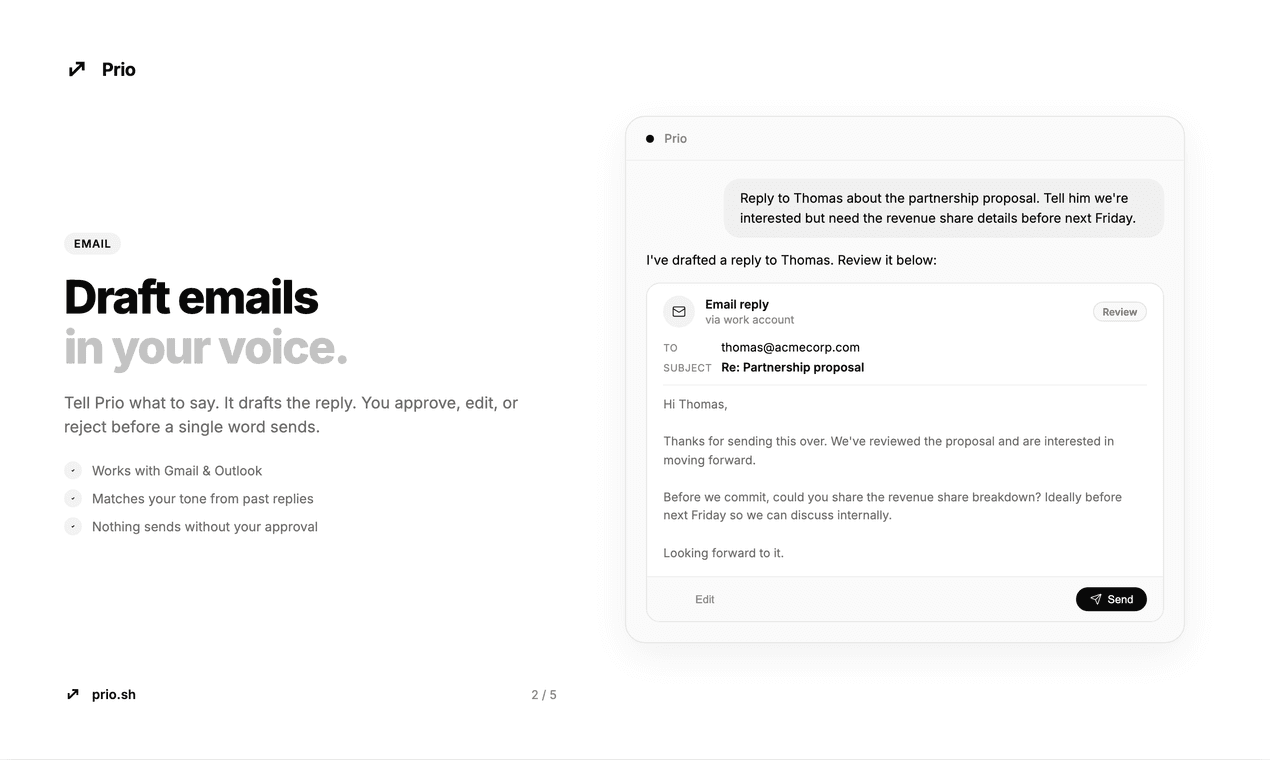
Prio is built in the EU, with EU data residency as its primary differentiator. If your company operates under GDPR compliance requirements and the location of your data processing matters to your legal team, Prio is one of the few tools in this comparison that makes that specific promise.
Pricing
Pricing ranges from EUR 29/month to EUR 199/month. The product covers daily briefings, task prioritization, and light email management, with all data processed within EU data centers.
For companies where data residency is a legal requirement, Prio solves a problem that most US-built AI assistants ignore entirely. European operations teams describe this as a binary filter: either the tool meets EU data residency requirements or it doesn't enter the evaluation. Prio passes that filter.
The limitations are structural. Prio is built by a solo founder with no public community, no G2 reviews, no Trustpilot presence, and limited visibility outside EU-focused product directories. The product roadmap is unclear from the outside. Solo-founder tools carry a specific risk: if the founder moves on, the product does too. There's no team to sustain it.
The feature set is also narrower than the pricing suggests. At EUR 199/month, Prio costs more than Lindy's full agent platform ($49.99/month) with a fraction of the integration surface. The premium buys data residency, which is fair if that's what you need. A buyer evaluating on features-per-dollar will find better options on this list.
Prio solves a real problem for EU-based companies. Whether one founder can sustain and scale that offering is the open question.
Specialist tools worth knowing
These seven tools don't claim to be full AI personal assistants. They do one thing (email, calendar, or meetings) and do it well enough to earn a spot in most founders' stacks. Shorter treatment, same honesty.
Granola
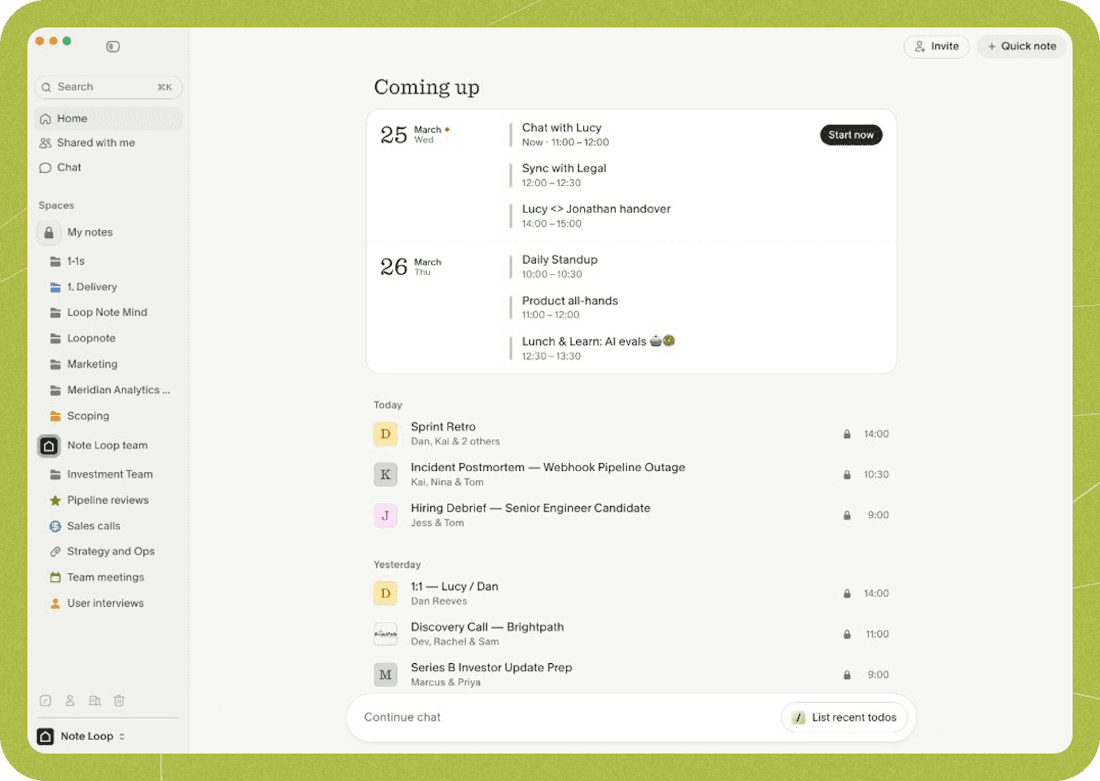
Meeting notes without a bot in the call. Granola runs on your Mac, listens through your laptop microphone, and generates structured notes after the meeting ends. No one on the other side knows you're using it.
Pricing
Free for individuals. Business: $14/month. Enterprise: $35/month. Granola raised $125M in March 2026 at a $1.5B valuation from Index Ventures and Kleiner Perkins.
The raise changed Granola's direction. It's building toward an "enterprise AI context platform" with Spaces (team workspaces) and an enterprise API. The individual free tier is generous today, but a company raising at $1.5B isn't building for free users long-term.
Best for meeting-heavy founders who want notes without a visible recording bot. Mac-only. It handles meetings and nothing else: calendar, email, and follow-ups all require separate tools.
Morgen
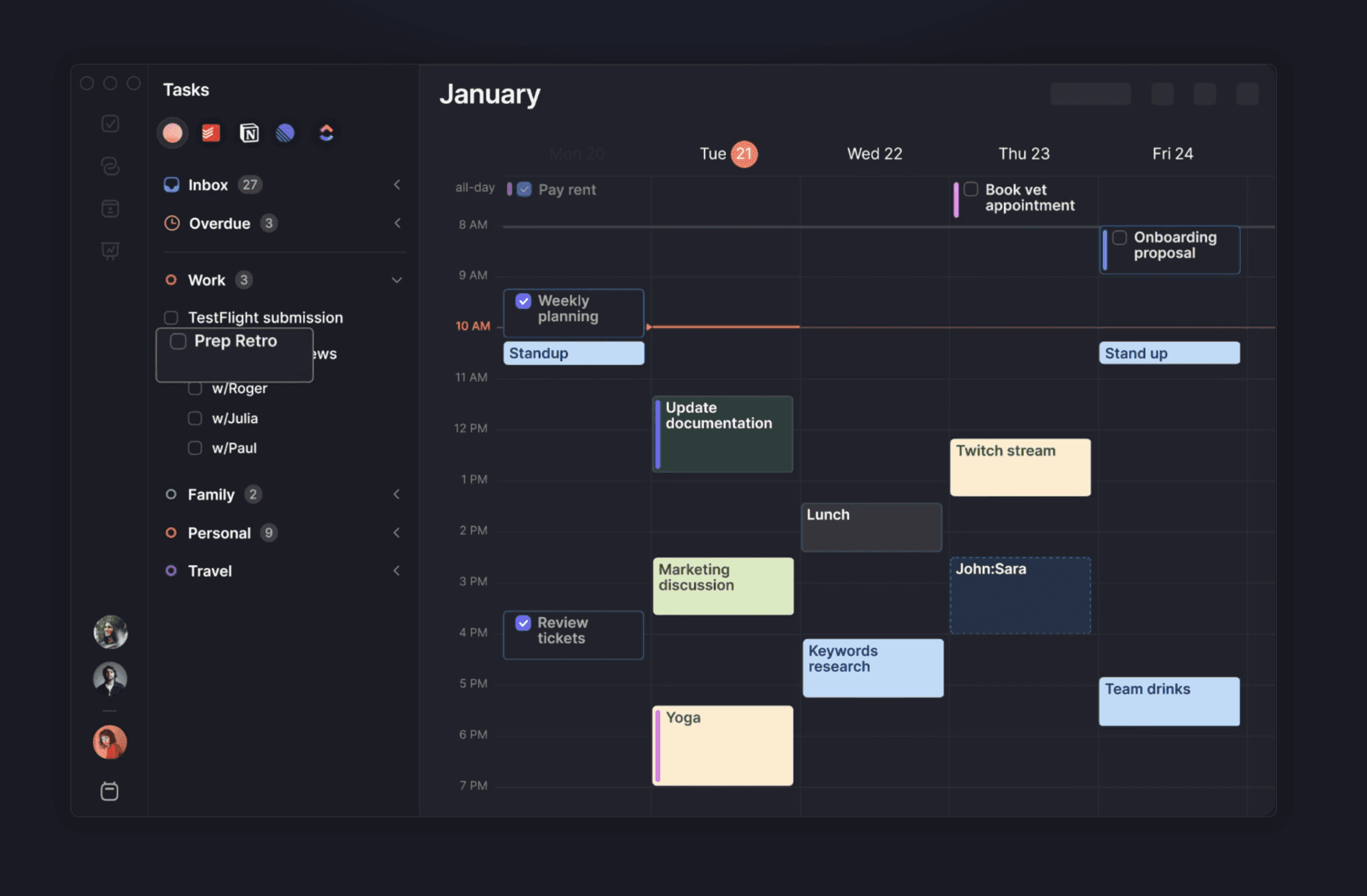
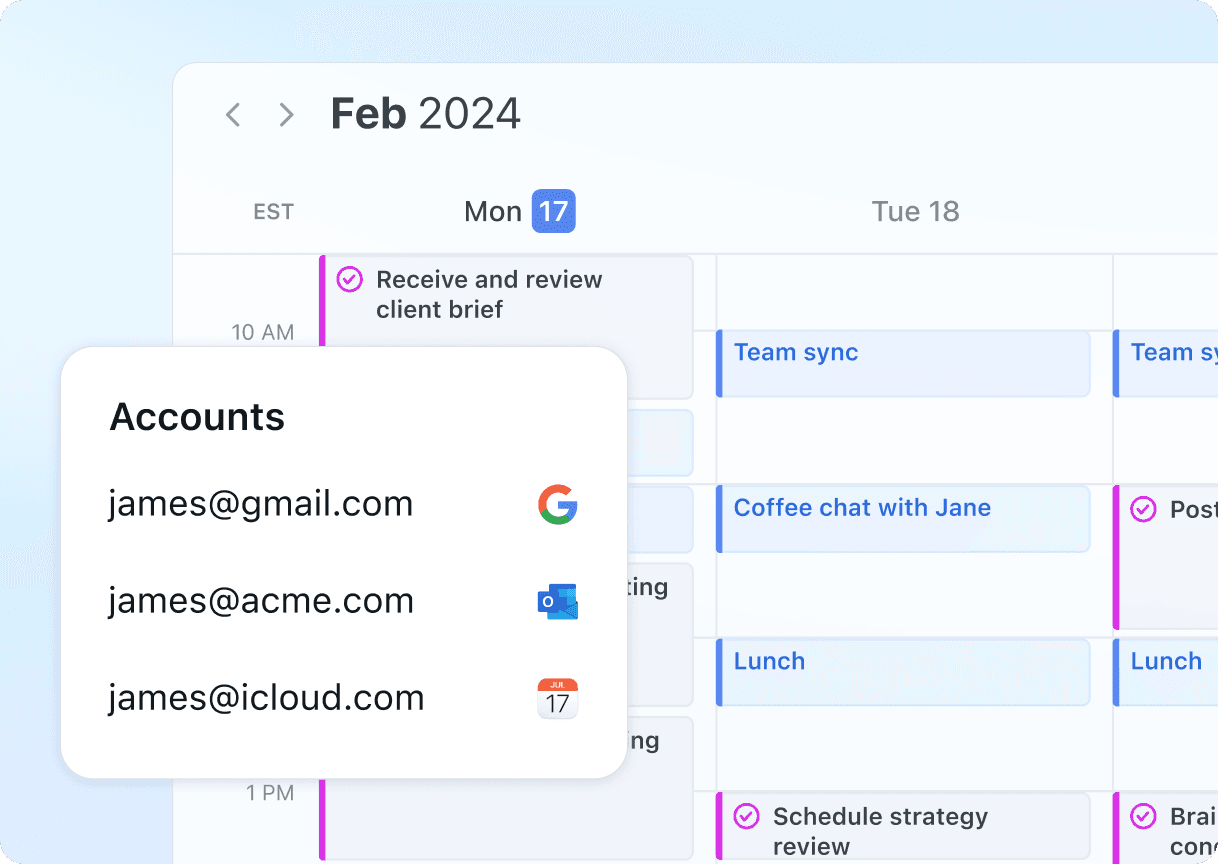
Morgen unifies your calendars. If you manage Google Calendar, Outlook, and iCloud across personal and work accounts, Morgen shows them in one view with a built-in task planner.
Pricing
EUR 15/month annual for individual Pro. EUR 10/seat/month annual for teams.
User Reviews
Reviews are strong: 4.8/5 on G2 and 5/5 on Capterra.
Morgen has an AI Planner feature, but it's still in beta as of April 2026. Early users describe the scheduling suggestions as "hit-or-miss." The tool's strength today is manual calendar management across providers, not AI-driven automation.
Best for anyone juggling multiple calendar accounts across providers. It does not handle email, meeting notes, or follow-up automation.
Motion
Motion started as an AI calendar app and has evolved into what the company calls a "workspace with AI Employees." It auto-schedules tasks, includes a meeting notetaker, and offers document-drafting agents.
Pricing
Individual: $19-29/month. Business: $49/seat/month. The meeting notetaker is included.
The catch is credit-based AI. Individual plans include 7,500-15,000 credits per seat per month. If you rely on the AI features (agents, meeting summarizer, document tools), you'll burn credits. When they run out, the AI features stop until the next billing cycle.
Credit-based pricing is the most common complaint across this category. Motion users describe monitoring their credit balance the way you'd watch a prepaid phone plan.
Best for calendar-driven individuals and teams who want task scheduling with AI assistance. Light AI usage fits within the credit limits. Heavy usage means watching the meter.
Otter.ai
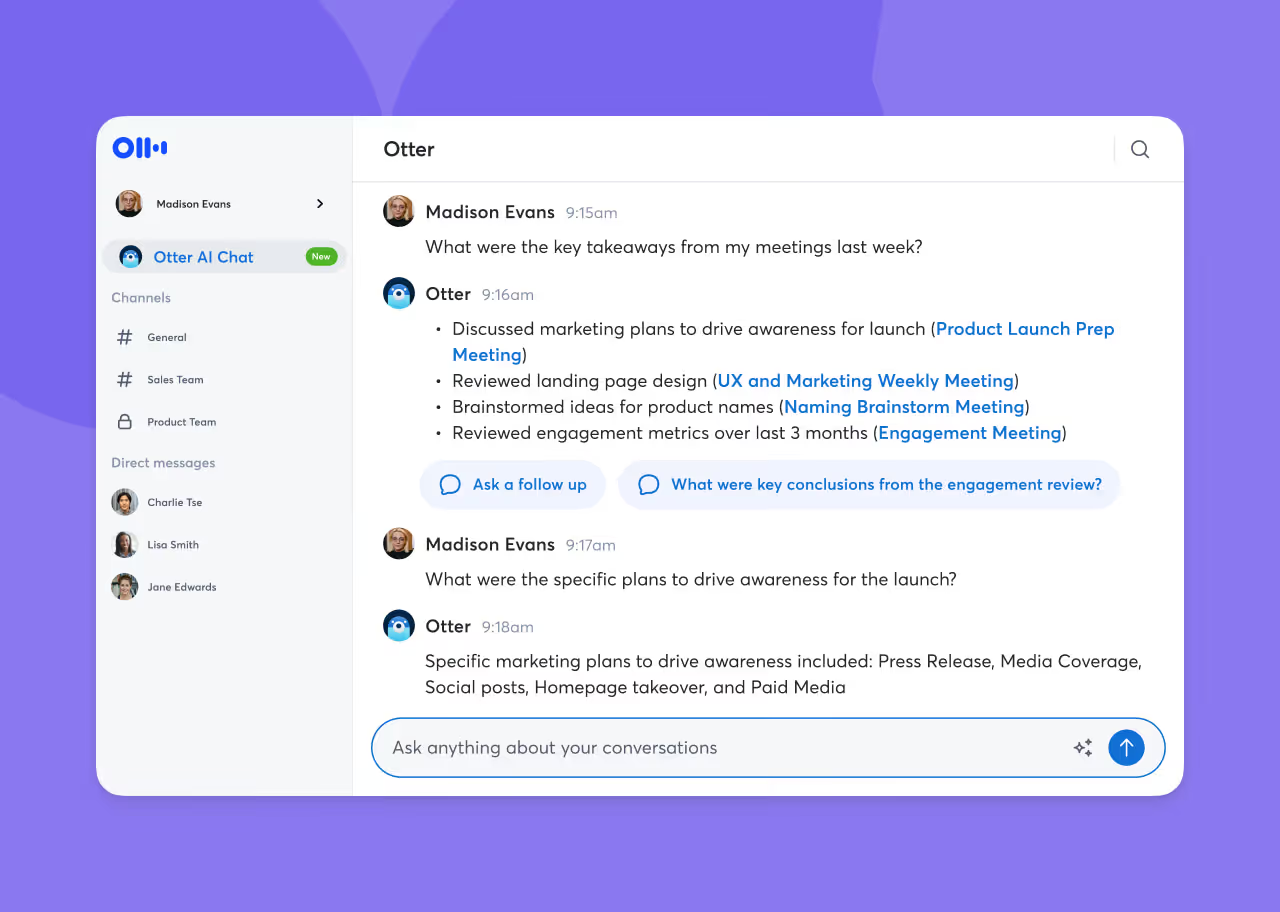
Otter transcribes your meetings and makes them searchable. It joins your call as a visible bot, records the audio, and produces a transcript with speaker labels and timestamps.
Pricing
Free: 300 minutes/month. Pro: $8.33/month annual. Business: $20/month. The free tier works for occasional use, but the 300-minute cap runs out fast if you're in meetings daily.
The visible bot is the main friction point. When Otter joins a call, everyone sees it. In internal team meetings, that's fine. In sales calls or client-facing conversations, a recording bot changes the room. Some organizations ban external recording bots outright.
If the visible bot doesn't bother you or your meeting participants, Otter produces reliable transcripts with strong search. The no-bot alternative is Granola.
Reclaim AI
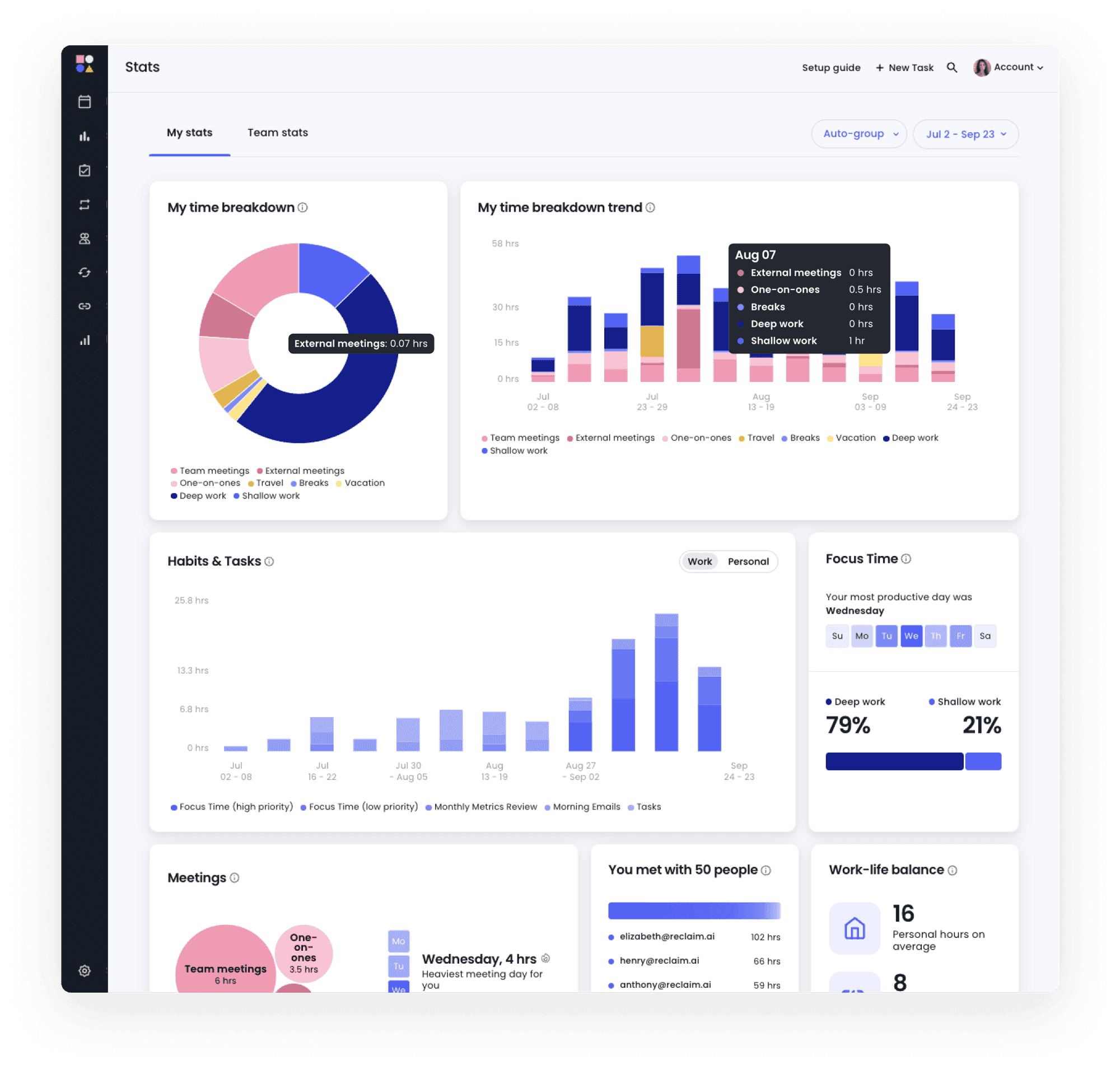
Reclaim handles calendar scheduling and habit tracking. It auto-blocks focus time, reschedules tasks when conflicts arise, and protects recurring routines.
Pricing
Free tier available, paid plans up to $16/month.
Reclaim's position shifted when Clockwise shut down on March 27, 2026 (Salesforce acquired the team). Reclaim offered every Clockwise customer a 100% price match and a one-click migration tool. It absorbed a significant share of the calendar AI market overnight.
Calendar-only. It doesn't touch email, doesn't draft messages, doesn't record meetings. What it does is automate the scheduling decisions most people make manually: when to book focus time, what to reschedule when a conflict appears, which meetings to protect.
Best for anyone whose biggest productivity drain is calendar chaos. Start with the free tier.
SaneBox
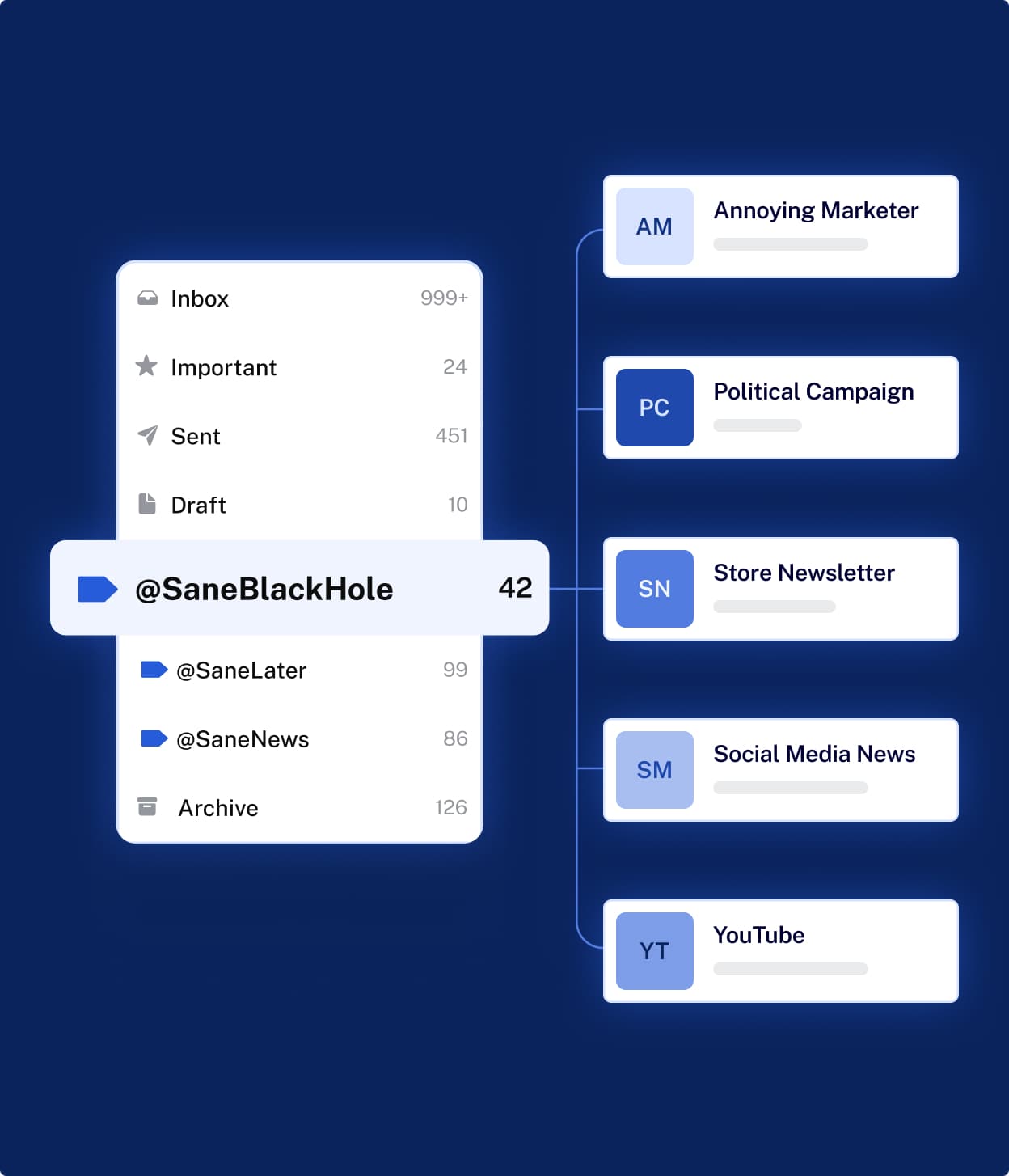
SaneBox filters your email. It runs server-side, works with any email client (Gmail, Outlook, Yahoo, anything with IMAP), and sorts your inbox so important messages surface first.
Pricing
$3.49-$16.99/month annual. $7-$36/month monthly.
User Reviews
4.9 out of 5 on G2 with 187 verified reviews. That's the highest review score of any tool in this comparison.
SaneBox isn't generative AI. It doesn't draft replies, compose messages, or act on your behalf. It classifies incoming email using a learning algorithm, moves the noise out of your inbox, and lets you focus on what matters. The company claims users save 2.5 hours per week.
Most AI personal assistant roundups exclude SaneBox because it doesn't use large language models. We're including it because it solves the same problem (email overwhelm) at a fraction of the cost and risk of generative tools. If you're drowning in email and want a low-commitment first step, SaneBox is the most battle-tested option here.
Superhuman
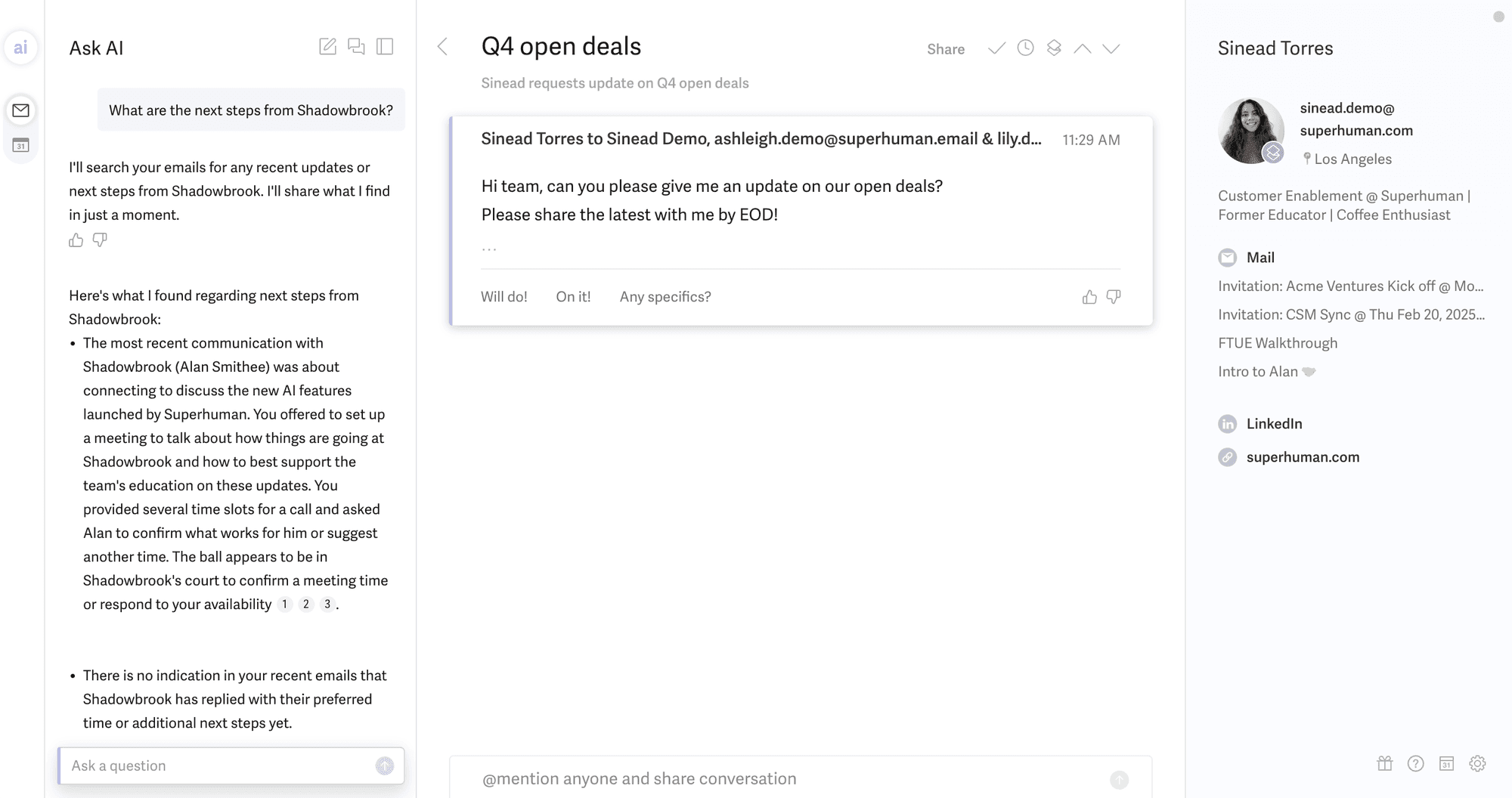
"Superhuman" isn't the email client you remember. In October 2025, Grammarly rebranded itself as Superhuman after acquiring the Superhuman email client (June 2025), Coda (December 2024), and the spreadsheet tool Rows (2026).
Pricing
Pro starts at $12/month for the writing tools (formerly Grammarly). The email client, Superhuman Mail, sits behind the Business tier at $33/month. If you came here looking for the standalone email app, that's the entry point now.
The brand confusion is real. Most comparison articles still describe Superhuman as a standalone email client. It's now one product inside a writing-and-productivity suite owned by the former Grammarly.
Best for email power users already in the Google Workspace environment who want writing tools and email under one roof. The $33/month price point for email access is a jump from the original product, and the company's direction is now tied to a broader suite strategy.
Which AI personal assistant should you buy first?
The right answer is whichever tool fixes your biggest time drain right now. Features and integration counts are secondary.
"I'm drowning in email."
Start with SaneBox ($3.49/month annual). It filters your inbox without changing how you work. If you need AI-drafted replies, add Fyxer ($30/month) for the strongest email draft quality in the category. If you want a full email suite with writing tools, Superhuman Business is $33/month. These solve different levels of the same problem: SaneBox reduces the noise, Fyxer writes the responses, Superhuman replaces the client.
"My calendar is a disaster."
Reclaim (free-$16/month) automates scheduling and protects your focus time. It absorbed the Clockwise user base when Clockwise shut down in March 2026, making it the default calendar AI tool. Motion ($19/month) adds task management and AI agents to the calendar. Morgen (EUR 15/month) unifies multiple calendars across providers. Pick based on whether your problem is scheduling (Reclaim), task-calendar integration (Motion), or multi-account fragmentation (Morgen).
"I waste hours on meeting follow-ups."
Granola (free-$14/month) records notes through your laptop mic with no bot visible in the call. Otter ($8.33/month annual) uses a visible bot but produces searchable, shareable transcripts. Choose Granola if the no-bot model matters for your calls. Choose Otter if your team needs shared access to meeting records.
"I want one tool that does everything."
Lindy ($49.99/month) is now positioned as a full personal AI assistant — text it on iMessage and it handles email, calendar, and follow-ups. Its main competitor in this shape is Poke; the two products converged on the same answer in 2026. Read the trust data in the Lindy section above before committing. Little Bird (free+) takes a different approach through screen reading. Neither delivers the single best AI personal assistant app that the search term implies. Both are building toward it from different directions.
No "best AI personal assistant" exists yet because the tools doing useful work are specialists, and the platforms claiming to do everything haven't earned the trust to match their ambition. The category is moving, though. Motion's AI Employees, Granola's enterprise API, Lindy's agent builder: they're all expanding toward the same vision from different starting points.
What's coming next
The specialist stack has a shelf life. You can tell because the tools themselves are moving away from it.
Motion no longer calls itself a calendar app. It's a "workspace with AI Employees." Granola didn't raise $125M to remain a meeting notes tool. Lindy has always positioned itself as a full agent platform. The direction is consistent: every serious tool here is building toward the same goal. One environment, multiple capabilities, less human work bridging the gaps between apps.
The next wave is agent-native platforms built from the ground up. Agents run on dedicated cloud computers, handle the connective tissue between email, calendar, CRM, and the rest of your stack, and keep working whether you're online or not.
Toyo is building this. It's an agent-native work OS in early access, designed for founders and operators without engineering teams. Agents handle email, follow-ups, meeting prep, and the operational work between tools. You describe what you need in plain language. They build it and run it.
We're including it here because leaving it out of a comparison on this category on our own website would be dishonest. We chose not to rank our own product against the tools above not because it doesn't have comparable features (it does), but because it isn't yet publicly available.
FAQ
What is the best free AI personal assistant app?
Several tools on this list have free tiers, but none covers email, calendar, meetings, and follow-ups together for free. Otter.ai gives you 300 minutes/month of meeting transcription. Granola's free tier covers individual meeting notes on Mac. Dimension and Little Bird both have free options with limitations. Reclaim has a generous free plan for calendar scheduling. SaneBox offers a trial but no permanent free tier. Start with the free plan for whatever problem costs you the most time.
Can AI personal assistants send emails on my behalf?
Most can't. Fyxer drafts emails but requires a human to review and send every message. Lindy can send emails through agent workflows if you configure it. Superhuman's AI drafts within the email client, and you send from there. If autonomous sending is what you need, check each tool's automation scope before buying, because "AI email assistant" usually means "AI email drafter."
Are AI personal assistants safe to use with confidential business data?
It depends on the tool and your compliance requirements. Prio offers EU data residency for companies under GDPR obligations. SaneBox processes email server-side without storing message content. Most other tools on this list route data through cloud-based AI models for processing. Review each tool's privacy policy and data handling terms against your specific compliance needs before connecting business accounts.
Your new assistant is one text away
No new app to learn. Tell Toyo what you need, then let it work across the tools you already use.
Get your Toyo